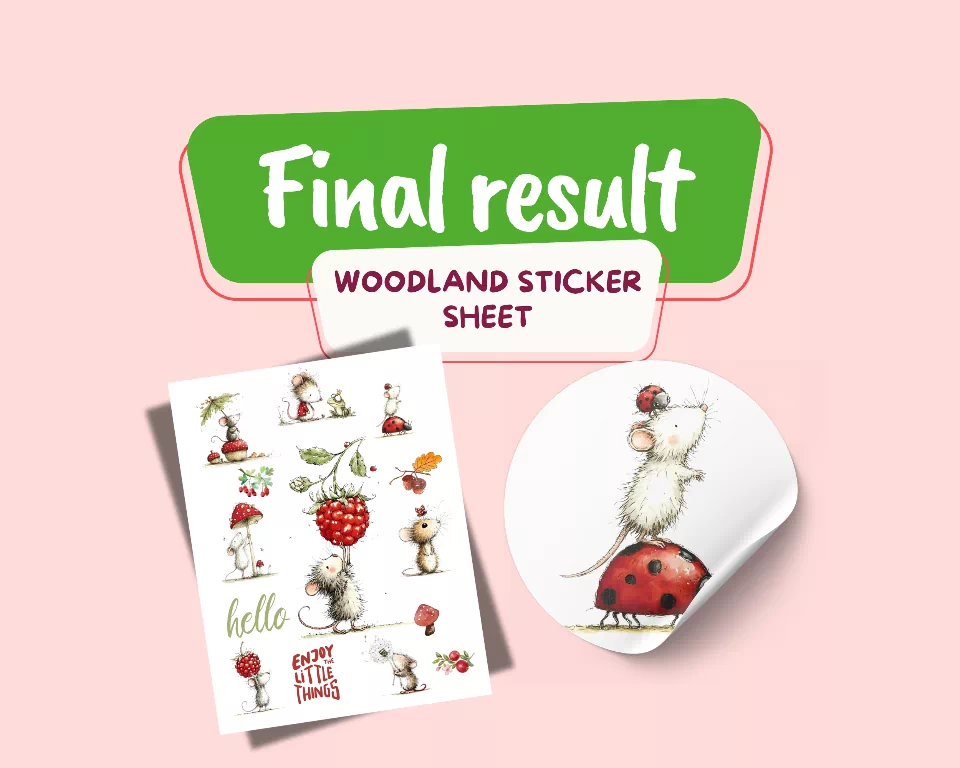
In this easy tutorial, you’ll arrange your favorite characters, add a few decorative elements and turn them into a printable sticker sheet you can use for journals, planners, scrapbooks and more.
Project at a Glance
Difficulty: Beginner Tool: Canva Size: A4 or US Letter Project: Printable sticker sheet
You’ll Need
Canva transparent mouse PNG illustrations optional small woodland elements sticker paper if you want to print your design
For this project, we’ll mix several mouse illustrations with berries, mushrooms, leaves and a few tiny word stickers.
Let’s start.
Create a New Sticker Sheet in Canva

Open Canva and create a new blank design.
Choose either: A4 — 210 × 297 mm or US Letter — 8.5 × 11 inches Use the size that matches the paper you plan to print on. Start with a simple white or pale cream background. Keep some empty space around the outside of the page so your stickers don’t sit too close to the edges.
Upload Your Mouse PNG Illustrations
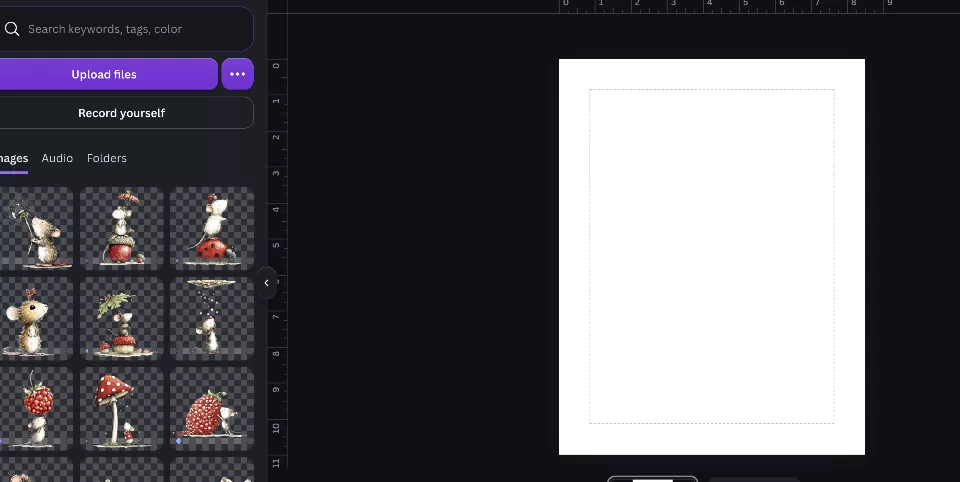
Go to: Uploads → Upload files Add the transparent mouse PNG illustrations you want to use. Choose around five or six different characters. Try to mix different shapes and poses, for example:
a mouse with a berry a mouse beside a mushroom a mouse with an umbrella a standing mouse a smaller character a wider seated character
Place them all on the page before worrying about the final layout. At this stage, you are simply choosing your cast of characters.
Choose Your Main Stickers
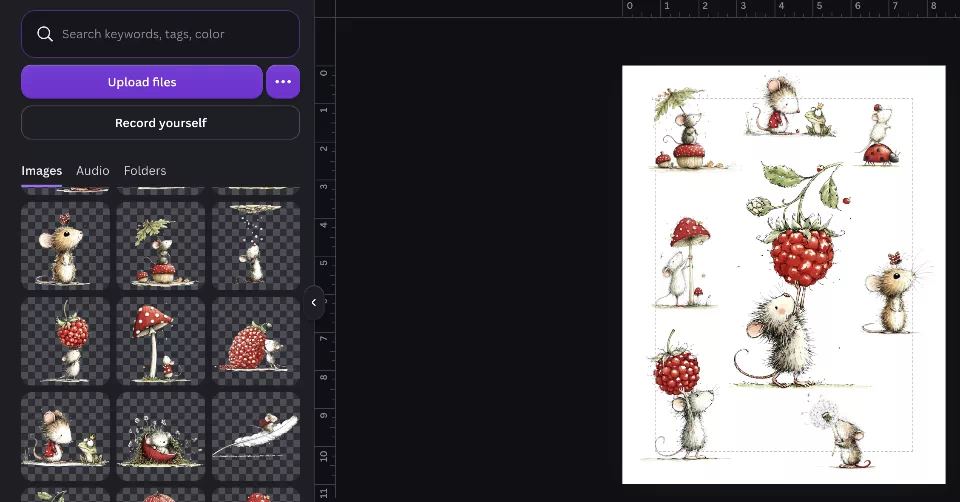
Now choose two or three illustrations to become your largest stickers. Make these slightly bigger than the others. Place them around the page rather than lining everything up in a perfect grid. For example, place one large mouse near the upper left, another toward the lower right and a third closer to the center. Then arrange the smaller characters around them. The goal is to create a playful composition that feels natural rather than perfectly symmetrical.
Quick tip: Leave plenty of white space between each character. This makes the finished sheet easier to cut and gives every sticker room to breathe.
Add Tiny Woodland Details
Look at the spaces between your main illustrations. Use those areas for smaller decorative stickers. You could add:
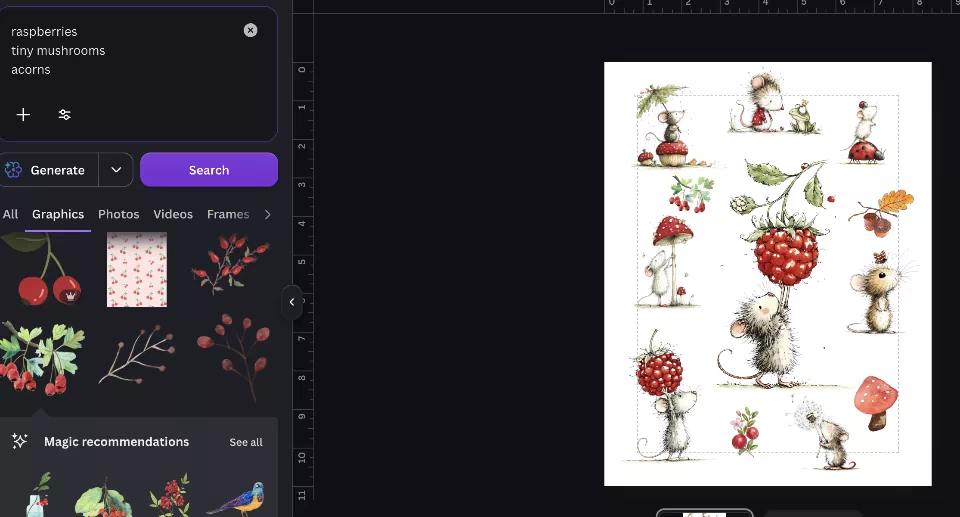
raspberries mushrooms acorns leaves flowers ladybugs tiny hearts
Keep these much smaller than your mouse characters. They should fill little gaps and make the page feel more playful without competing with the main illustrations. Try repeating colors that already appear in the mouse artwork. Berry red, soft green, warm brown and dusty pink work beautifully together.
Add a Few Word Stickers
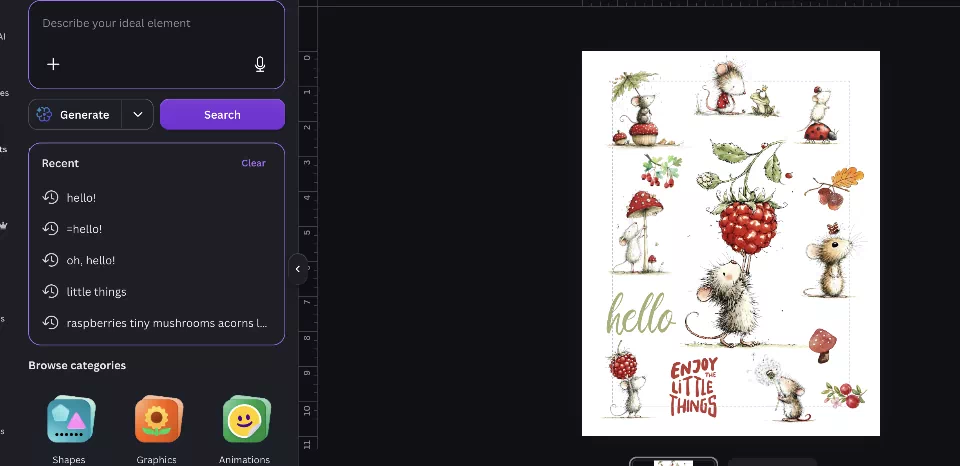
Now add two or three short phrases to give the sheet a little more variety.
Try simple phrases such as: hello friend little things tiny adventures happy little day
Use a playful handwritten, serif or typewriter-style font. Keep the words easy to read and avoid using too many different fonts. You can leave the text on its own or place it inside a simple oval, label or soft paper shape. Quick tip: Short phrases work better than long quotes on a sticker sheet.
Refine the Layout
Zoom out and look at the complete page. Check whether one area feels too busy or too empty. Instead of adding another large illustration, use tiny details to fill awkward spaces. A single berry, leaf, flower or small heart can be enough. Then check that: the largest stickers are spread across the page similar colors are not all grouped together every sticker has enough space around it nothing important sits too close to the edge Do not try to fill every empty space. A little breathing room makes the finished design feel much cleaner.
Export Your Sticker Sheet
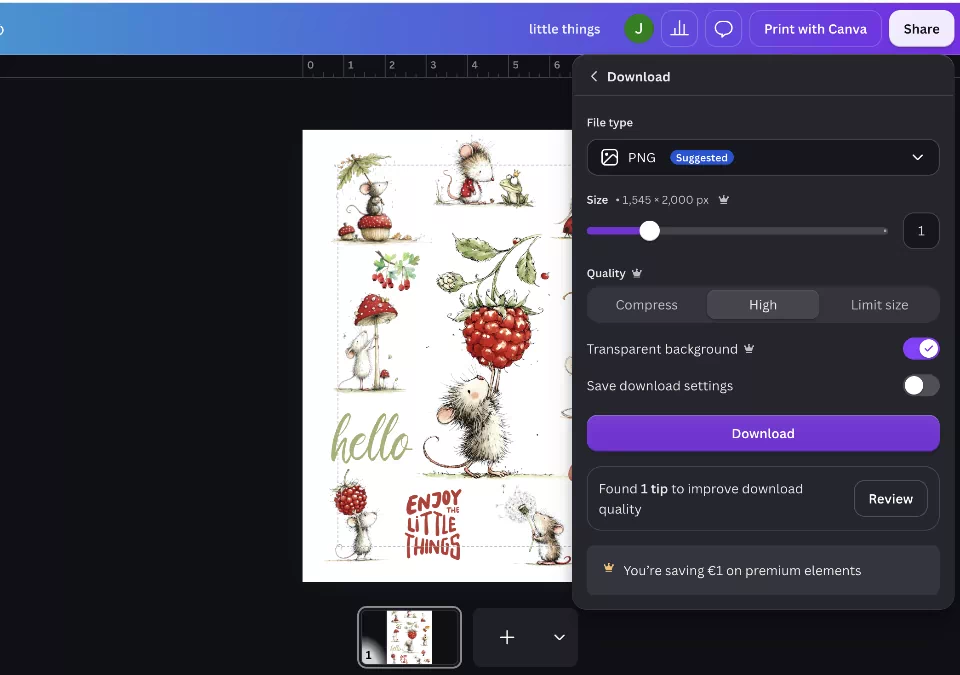
Once you are happy with the layout, go to:
Share → Download
For a simple printable sheet, export the design using the format that works best with your printer. If you want to use the artwork with cutting-machine software, you can also export your design and complete the print-and-cut setup there. Always check the recommended print area and cutting settings for your own machine. No cutting machine? You can simply print the sheet onto sticker paper and cut around the illustrations with scissors.
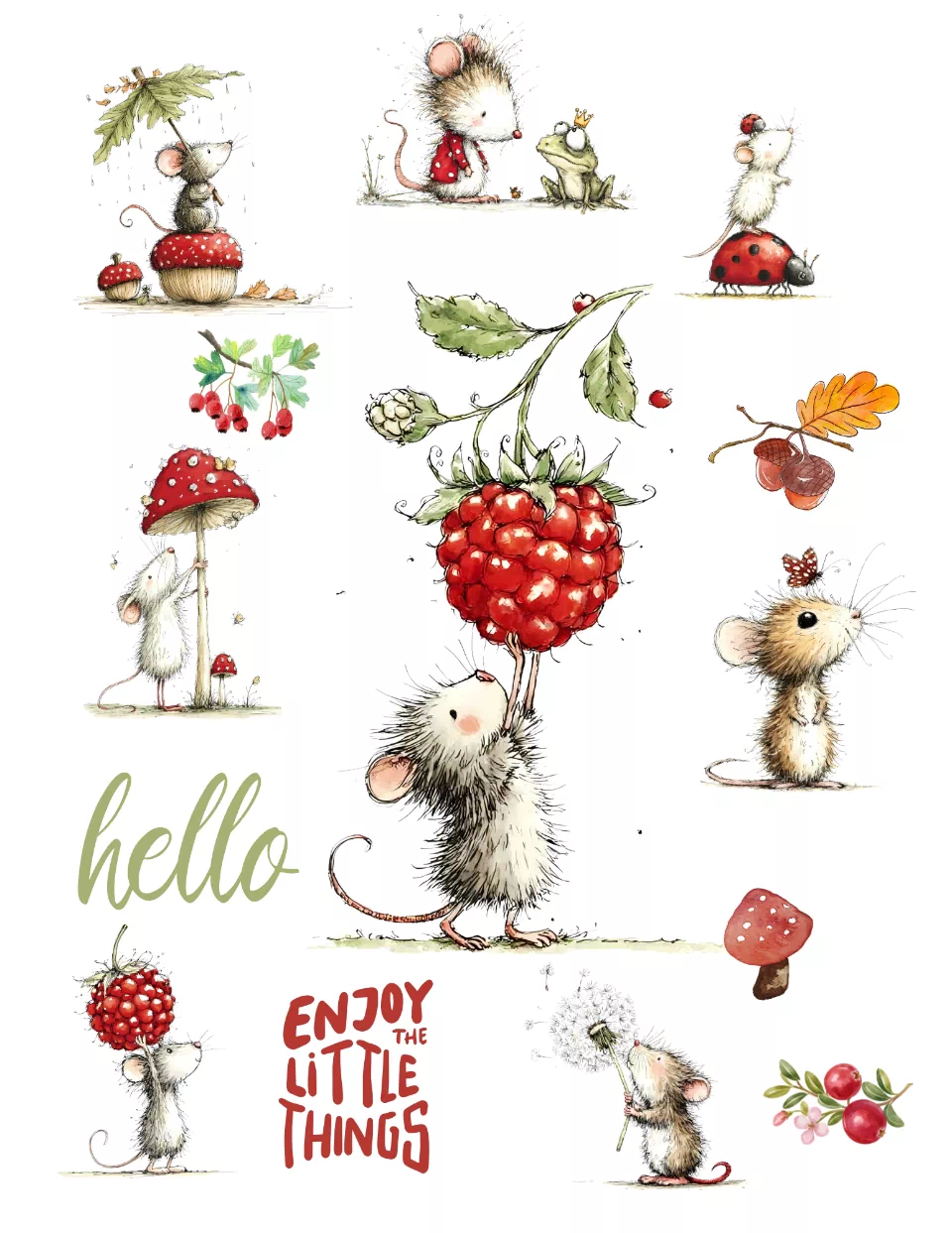
Your finished page should feel like one small woodland collection. The mice are the main characters, while berries, mushrooms and tiny botanical details bring everything together. The different sticker sizes keep the page interesting, and the small decorative pieces are perfect for filling journals, planners, envelopes and scrapbook pages. The best part is that you can easily reuse the same layout with different illustrations. Try Another Theme Once you have created your first sticker sheet, duplicate the Canva page and make another version.
You could try: Berry Mouse Stickers Use raspberries, flowers and soft berry colors.
Rainy Day Mice Add umbrellas, raindrops and little mushrooms.
Autumn Woodland Stickers Use acorns, oak leaves and warm earthy colors.
Tiny Garden Mice Add flowers, ladybugs and leafy details. You do not need to start from scratch each time. Keep the same basic layout and simply change the characters and decorative elements.
Love These Little Mice?
The same mouse PNG collection can be used to create much more than stickers.
Try turning the illustrations into bookmarks, gift tags, journal cards, nursery prints or party stationery.